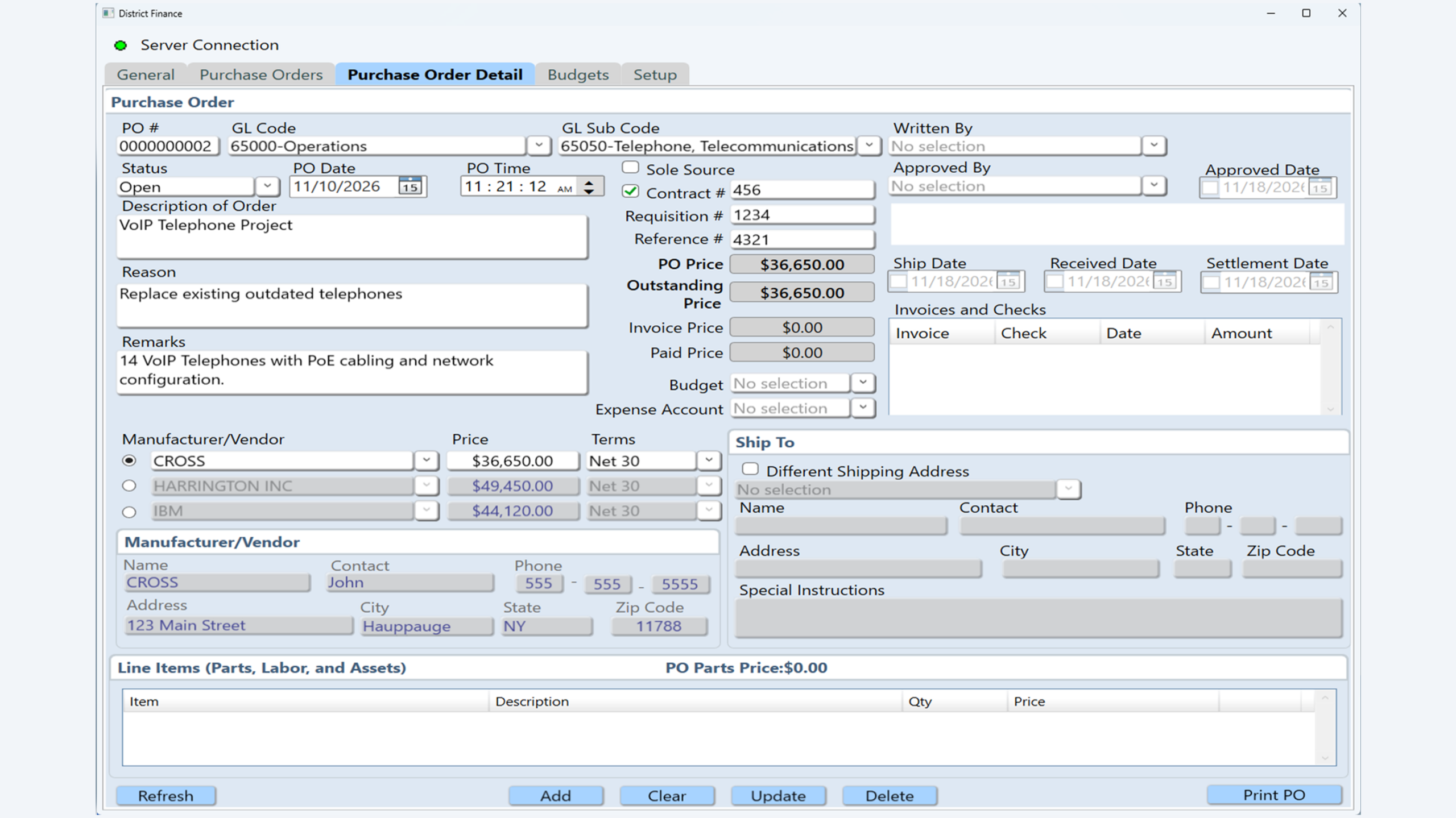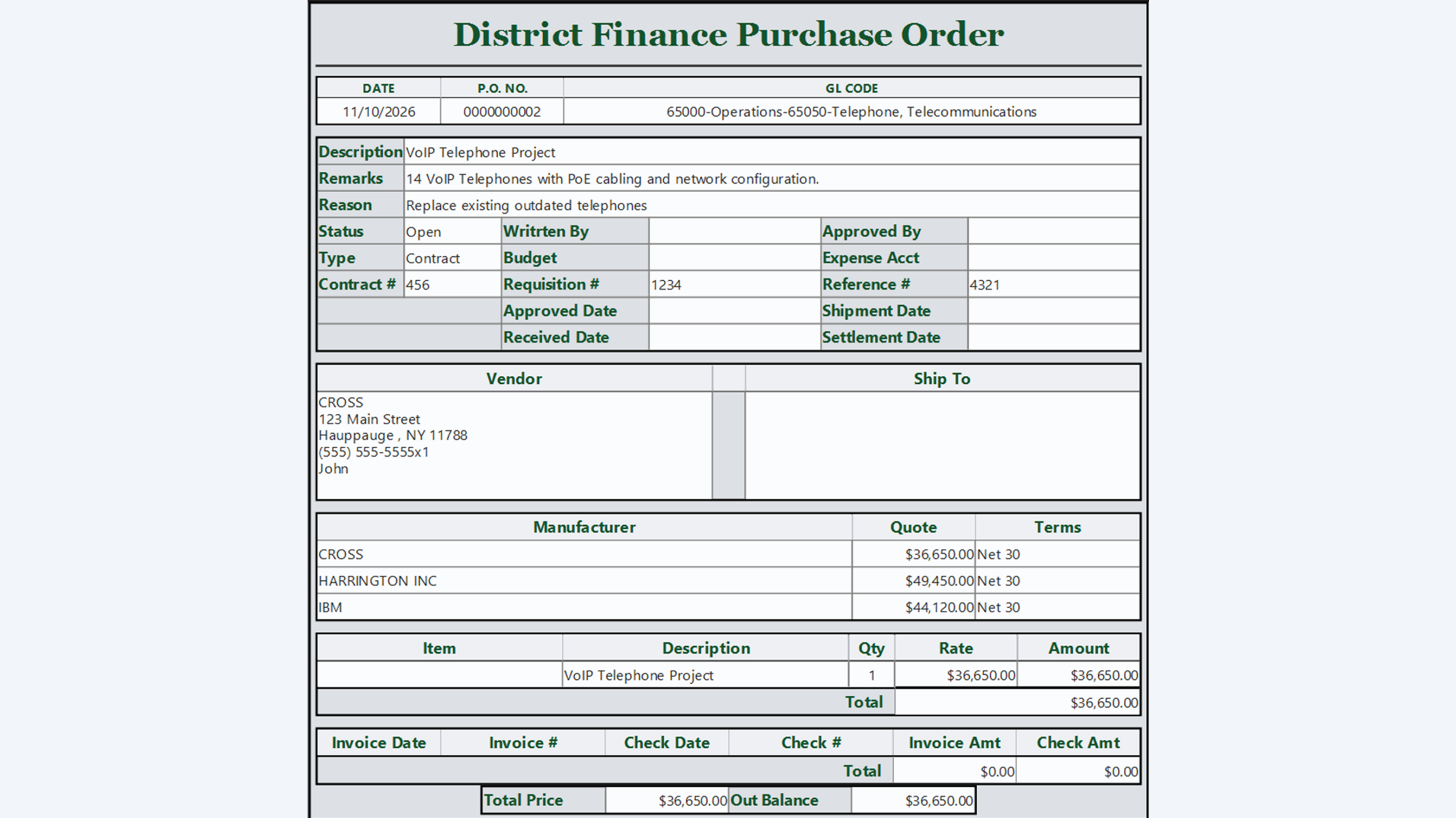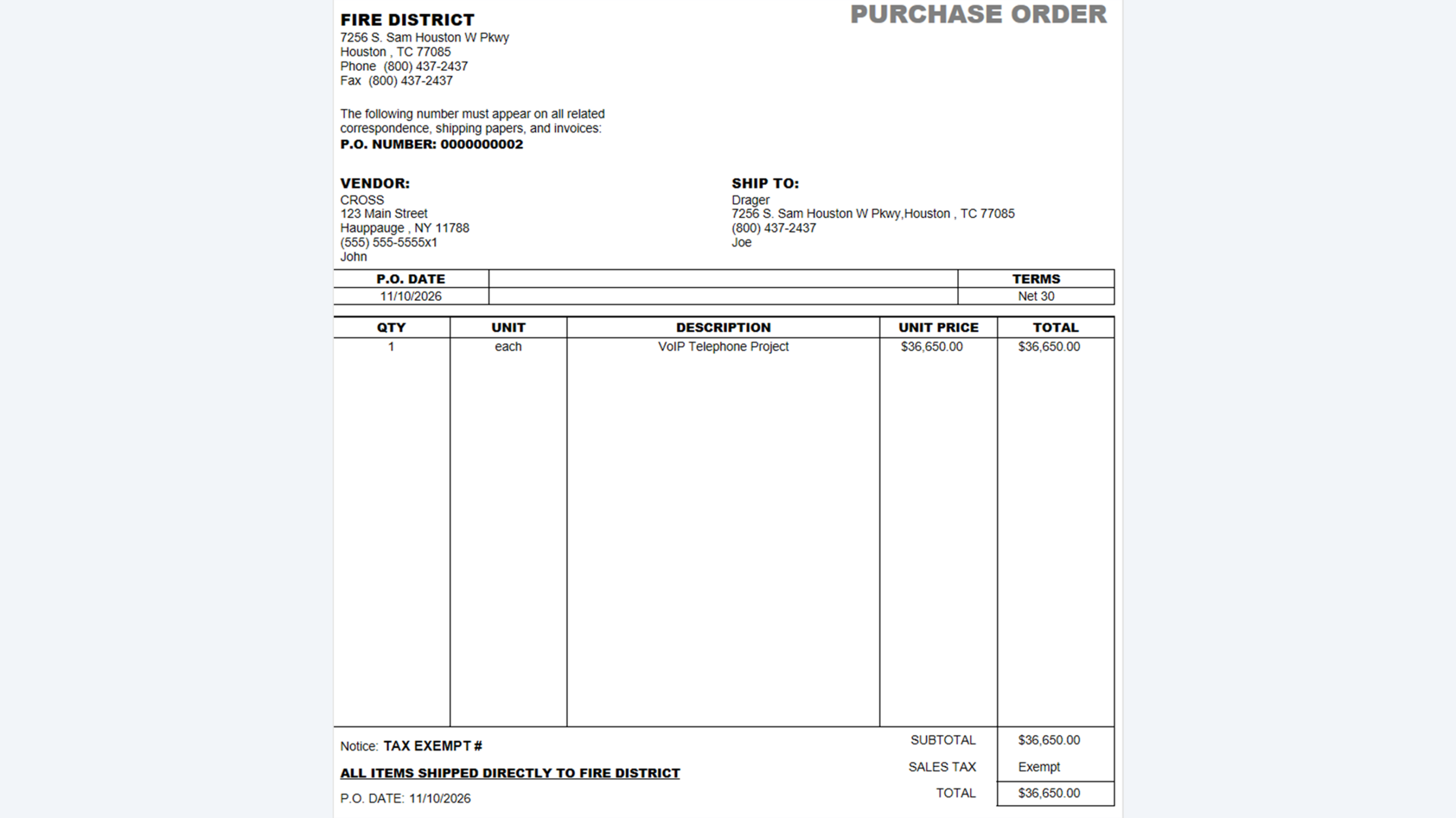
Managing district purchasing shouldn’t mean re-entering the same information in multiple places. Our District Finance module works independently or integrates directly with QuickBooks, so your purchase orders, vendors and payments stay in sync without double entry. Create purchase orders using your district’s own GL codes and sync them straight to QuickBooks. Your vendor list is synced as well, so it always matches your accounting records. Use District Finance on its own or pair it with our Inventory Maintenance module so purchases connect directly to the equipment and apparatus they were made for. Invoices, check numbers, dates and amounts flow through seamlessly, giving your district a clear and accurate record of every dollar spent.
Features
- Use independently or integrate directly with QuickBooks
- QuickBooks vendor integration keeps your vendor list in sync
- QuickBooks GL code integration lets you create purchase orders using your district’s own GL codes
- Generate purchase order forms
- Single or group PO reports
- Easily print or email purchase orders and reports
- Payment tracking, including invoices, check numbers, dates and amounts
- Permission-based notifications
- Integrates with the Inventory Maintenance module to connect purchases to equipment and apparatus
- On-premise and cloud integration